When Enable rich text and advanced editor features is open, in the Send Email Window, typing Chinese text is difficult.
To Reproduce…
-
Enable Enable rich text and advanced editor features in Settings.
-
Open Send Email Window.
-
Type something in email body using any Chinese Input Method.
Expected Behavior
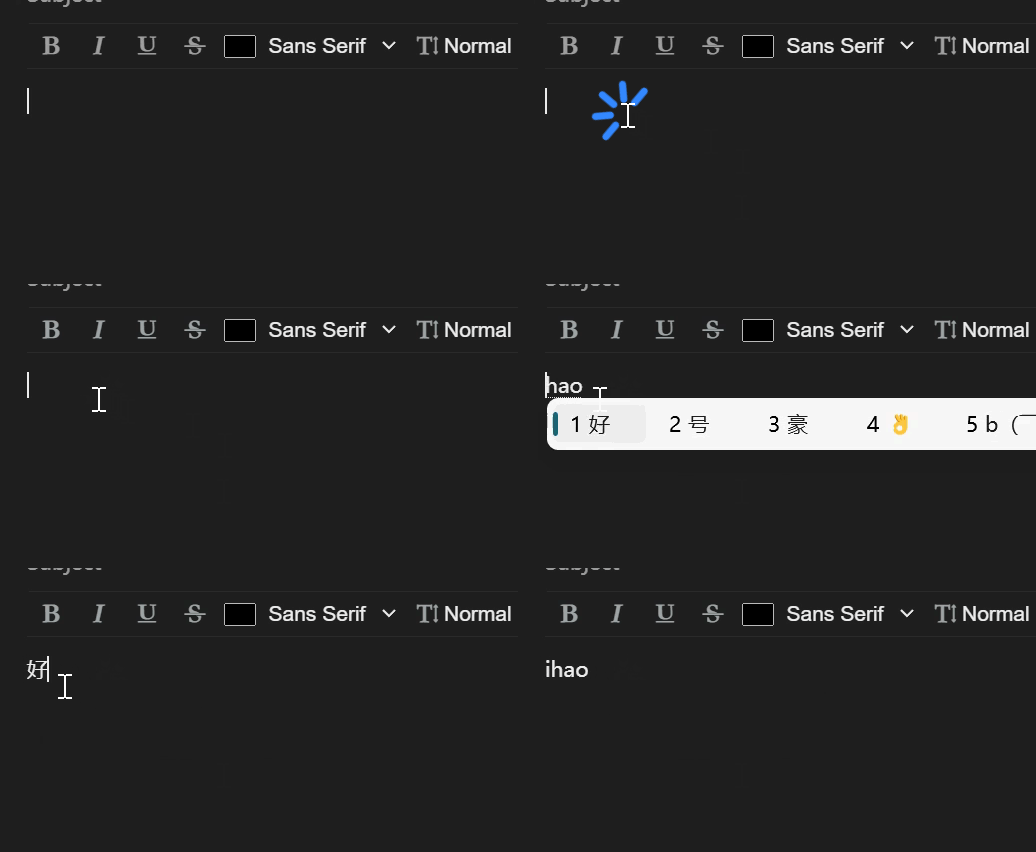
For Example, I type ‘ni’ but turn to ‘i’. And then Input Method disappear.
Screenshots
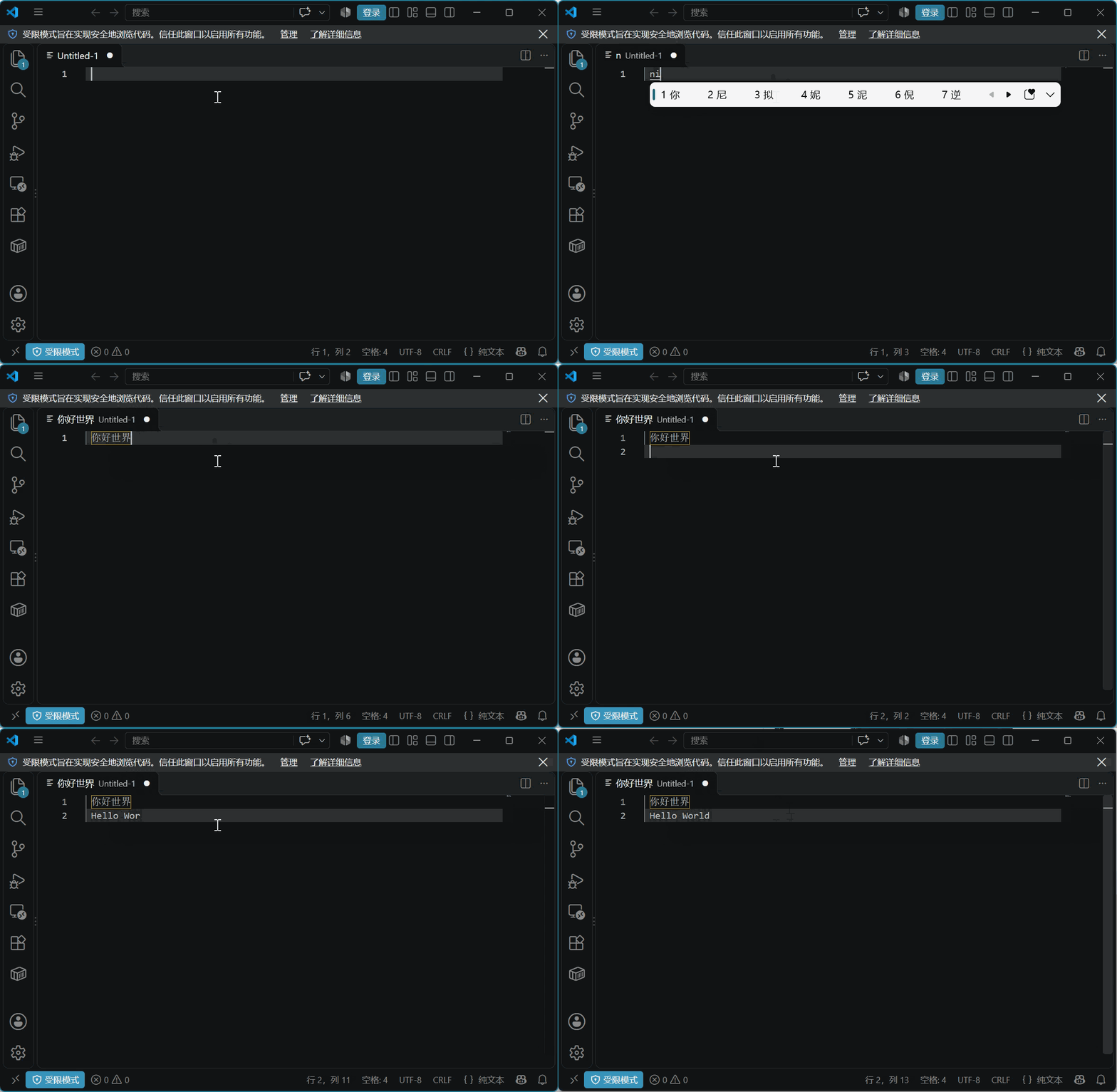
For reference, this is what normal typing looks like.
But in Mailspring…
Setup
- OS and Version: Windows 11 26H2
- Mailspring Version: 1.26.0-3b46a5b1
Additional Context
In fact, related reports emerged years ago, but the problem still appears unresolved.