In der E-Mail wird das Bild mit richtigen Farben gezeigt. Wird diese E-Mail dann gedruckt oder als PDF erzeugt, wird das Bild mit falschen Farben gezeigt.

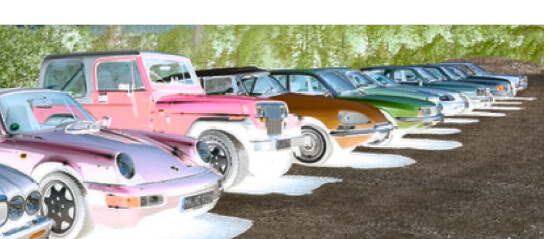
This is a known issue with how Chromium (the browser engine Mailspring is built on) handles colors when printing or saving to PDF. The print stylesheet sets background: transparent on message content, and some GPU color profiles can cause hue shifts in images when compositing onto a transparent background during the print/PDF render path.
A few things to try:
- In the print preview window, try Save as PDF instead of Print (or vice versa) — sometimes one path renders colors correctly while the other doesn’t.
- Launch Mailspring with
--disable-gputo rule out GPU color management as the cause: on Windows, create a shortcut and add--disable-gputo the Target.
Could you share what OS and GPU you’re on, and whether this affects all images or specific types (e.g. JPEGs vs. PNGs)? That would help me narrow down whether this is a color profile or compositing issue.