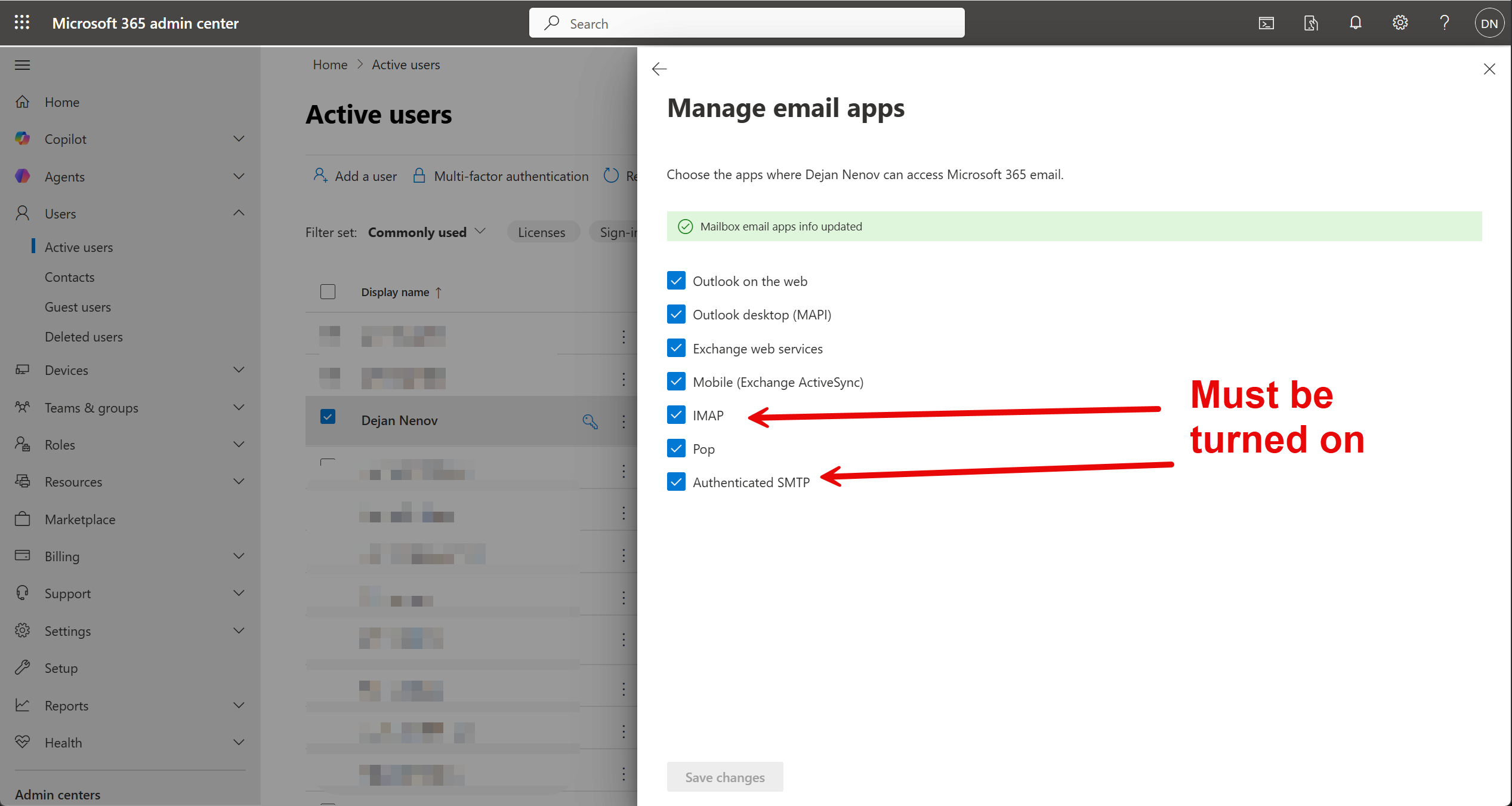
I have checked existing reports and have not found a resolution
Description
Add Account → Office 365 → Browser Launches and Microsoft Office 365 Credentials Entered → Access Confirmed in Microsoft Permissions Window → Browser Says “You are all set” → MailSpring Account adding Pop-up Show Message ""Authentication Error - Check your username and password (SMTP)
In the Microsoft Administration for the company (https://entra.microsoft.com/) Mail spring appears as an activated app.
To Reproduce…
Steps to reproduce the behavior:
-
Add Account
-
Office 365
-
Login to Microsoft 365 Account & Grant MailSpring Permissions
-
In the MailSpring add account window see error: Authentication Error - Check your username and password. (SMTP)
Expected Behavior
Office365 Email Account Appears in the Mailspring UI
Screenshots
<
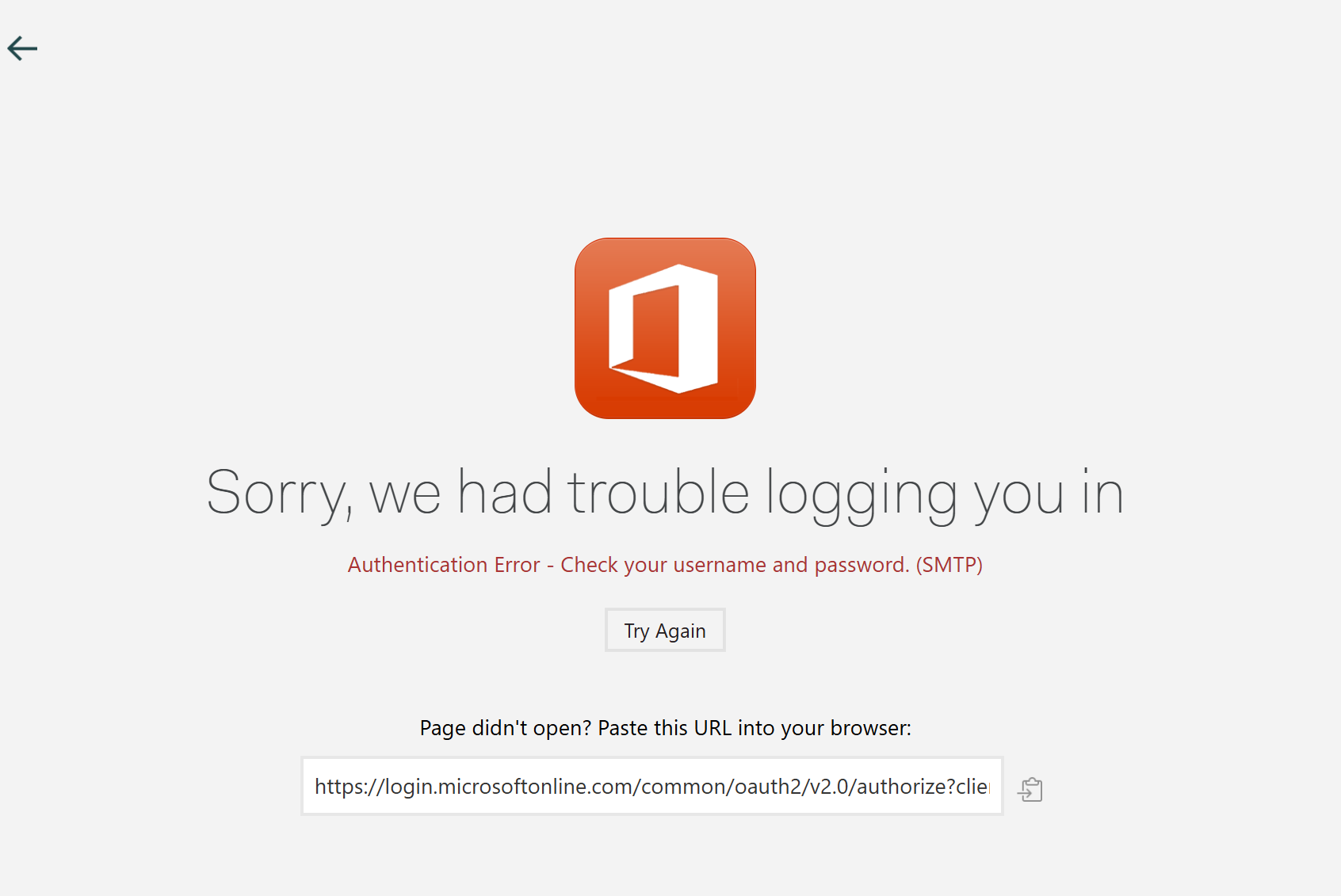
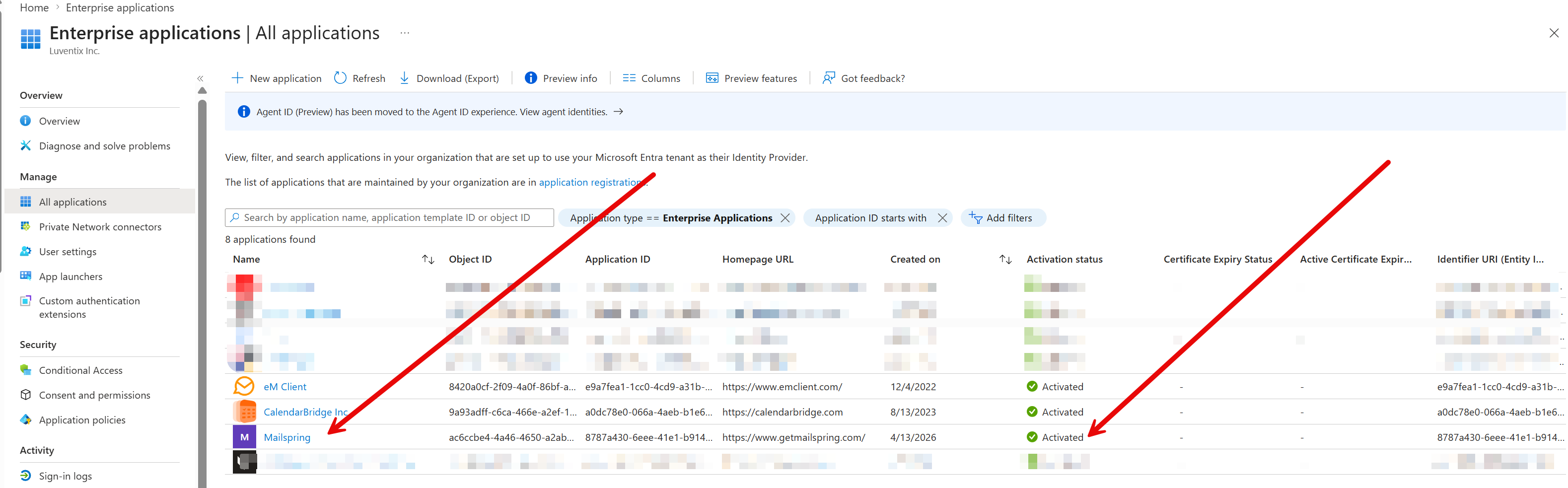
Screenshots Added
Setup
- OS and Version: Windows 11 Pro Version 25H2 (OS Build 26200.8117)
- Installation Method: Lenovo Laptop Windows 11 Pro Pre-installed and regularly updated
- Mailspring Version: 1.19.1 - 66f9e225 (Pro)