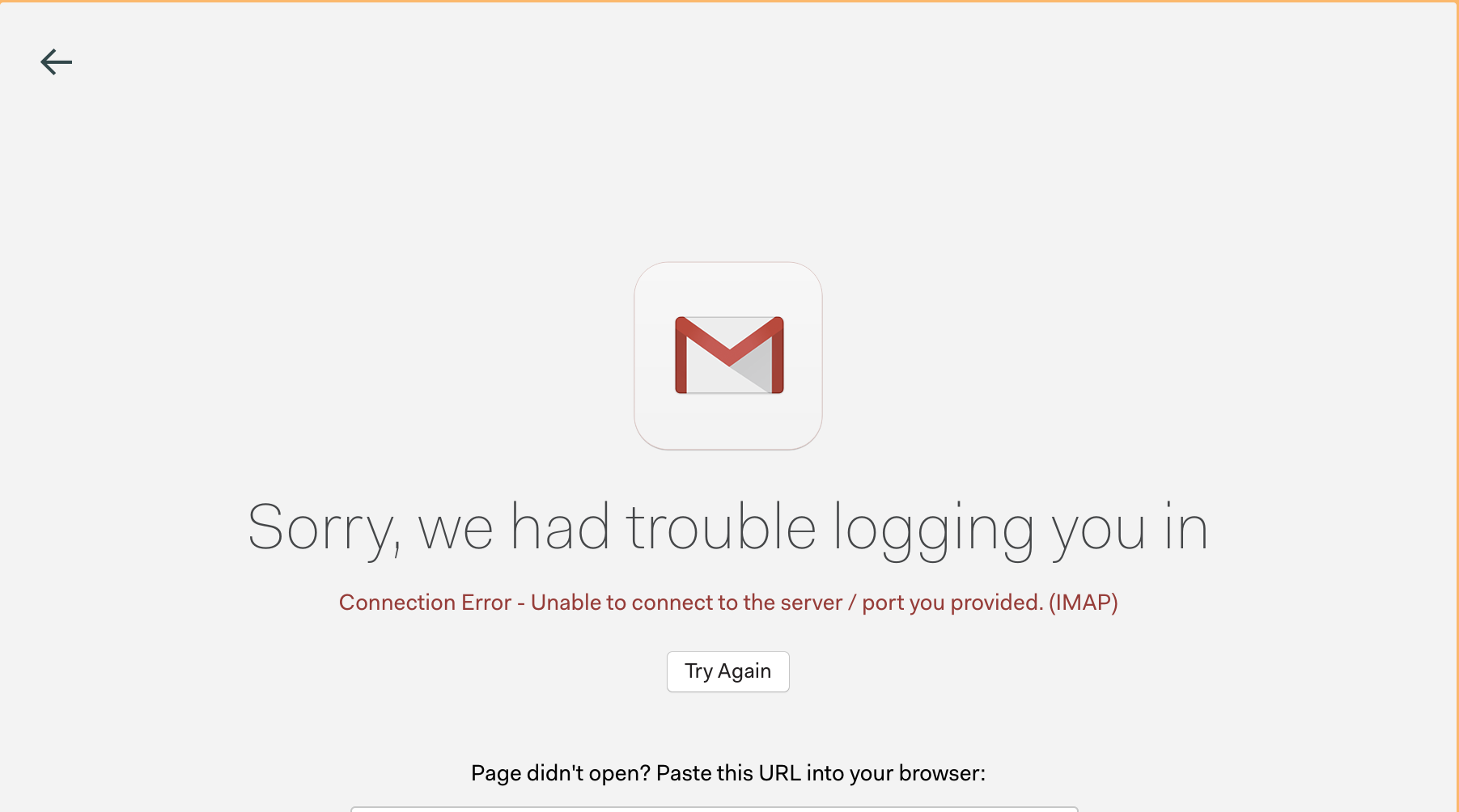
I’m wondering if there is any way to obtain further diagnostic information for this problem. The error message is not very helpful. As far as I can see, the OAuth procedure completes successfully. Searching around online there are suggestions to adjust the server port and connection settings, but Mailspring does not surface any such configuration options.
Small update. I’m not sure why, but the problem seems to have been localised to a particular network (I was travelling for a conference). When connecting to other networks (including at home), I was able to get Mailspring working as normal. I could not diagnose the problem further.