Problem
I can’t add Email Accounts from the Provider All-Inkl. First the Autoconnect fails / loads indefinitely, and when configuring manually it claims that the account is invalid or that the inbox or all mail folder couldn’t be found.
Context
This is the error i get while mailspring is loading indefinitely in this window:
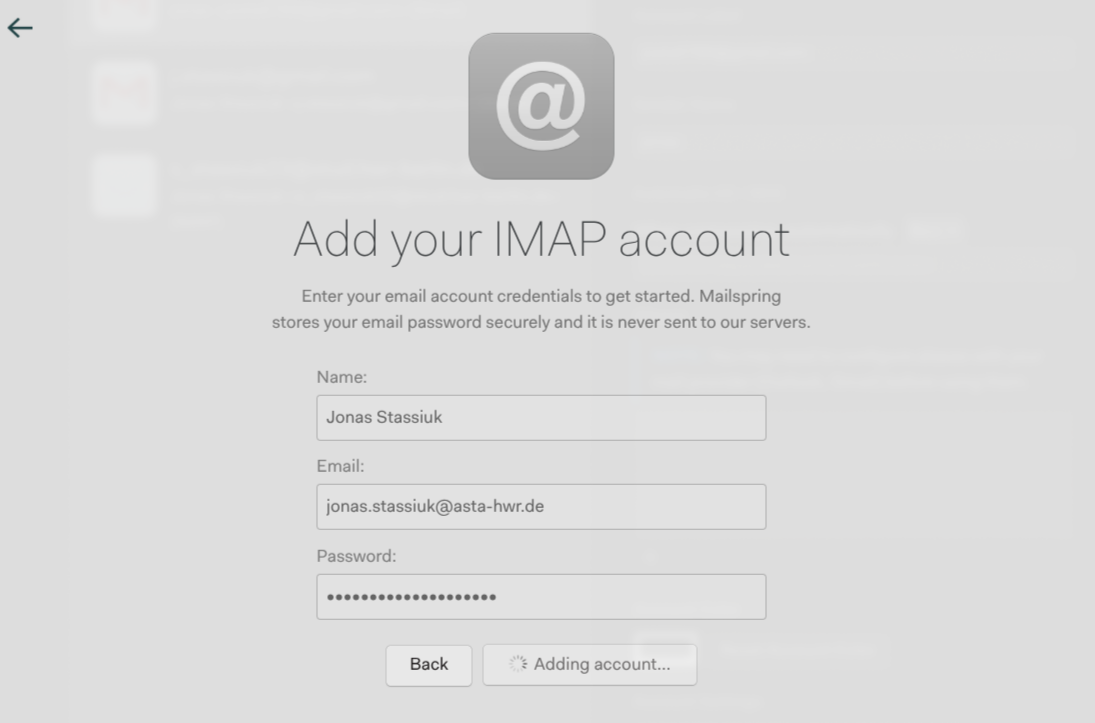
TypeError: Cannot read properties of null (reading ‘emailProvider’)
at TryThunderbirdAutoconfig (/usr/lib/mailspring/app.asar/internal_packages/onboarding/lib/onboarding-helpers.js:328:44)
at async expandAccountWithCommonSettings (/usr/lib/mailspring/app.asar/internal_packages/onboarding/lib/onboarding-helpers.js:107:9)
at async AccountBasicSettingsForm.submit (/usr/lib/mailspring/app.asar/internal_packages/onboarding/lib/page-account-settings.js:81:19) { pluginIds: [ ‘onboarding’ ] }
However I can bypass that window by typing any other domain, and when trying to enter with the correct settings (logging in using openssl / thunderbird works) I get this error:
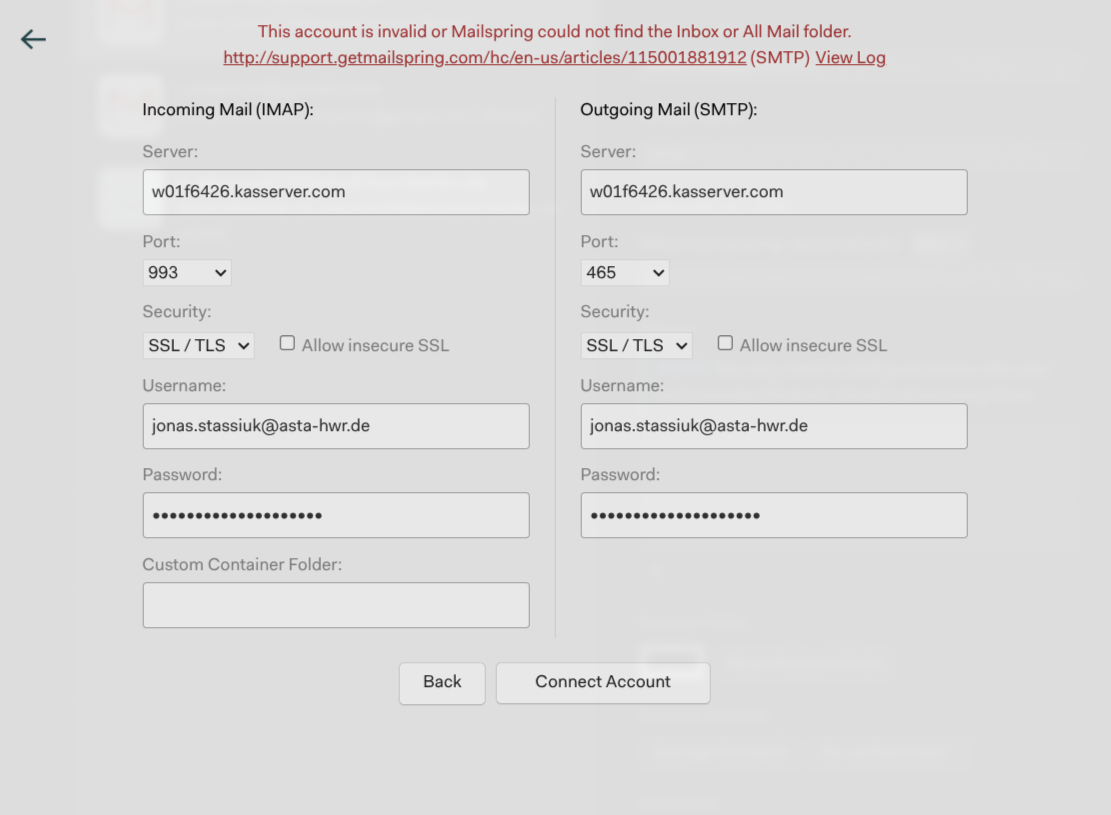
However the linked issue is talking about a gmail with no activated all mail folder.
I tried to manually edit the IMAP Hierarchy to have one INBOX folder where all of the subfolders reside, however that didnt fix the issue. I also tried to input the name into the “Custom Container Folder” field. Furthermore I asked the support of the provider, and they claimed that the authentification requests are received and that the auth succedes. Furthermore they claimed that this is a client side issue of mailspring and that they are unable to help, as their mailservers use a “flat” hierarchy where all folders reside next to the INBOX folder. However I can manually edit the folder structure as said before so I’m not sure if this is true, or a lack of understanding from their support.
This whole thing very much confuses me, because a friend of mine with a similar config from the same provider is able to add their account. I’m happy to provide additional information and appreciate any help!
Email Provider
All-Inkl
Setup
- OS and Version: Linux 7.0.9-arch2-1
- Installation Method: AUR
- Mailspring Version: 1.21.1-1