Since the last update, dark mode looks fine on the main interface, but the email body still shows up with a white background. Is there any way to fix this? I’ve tried changing themes and restarting, but nothing worked.
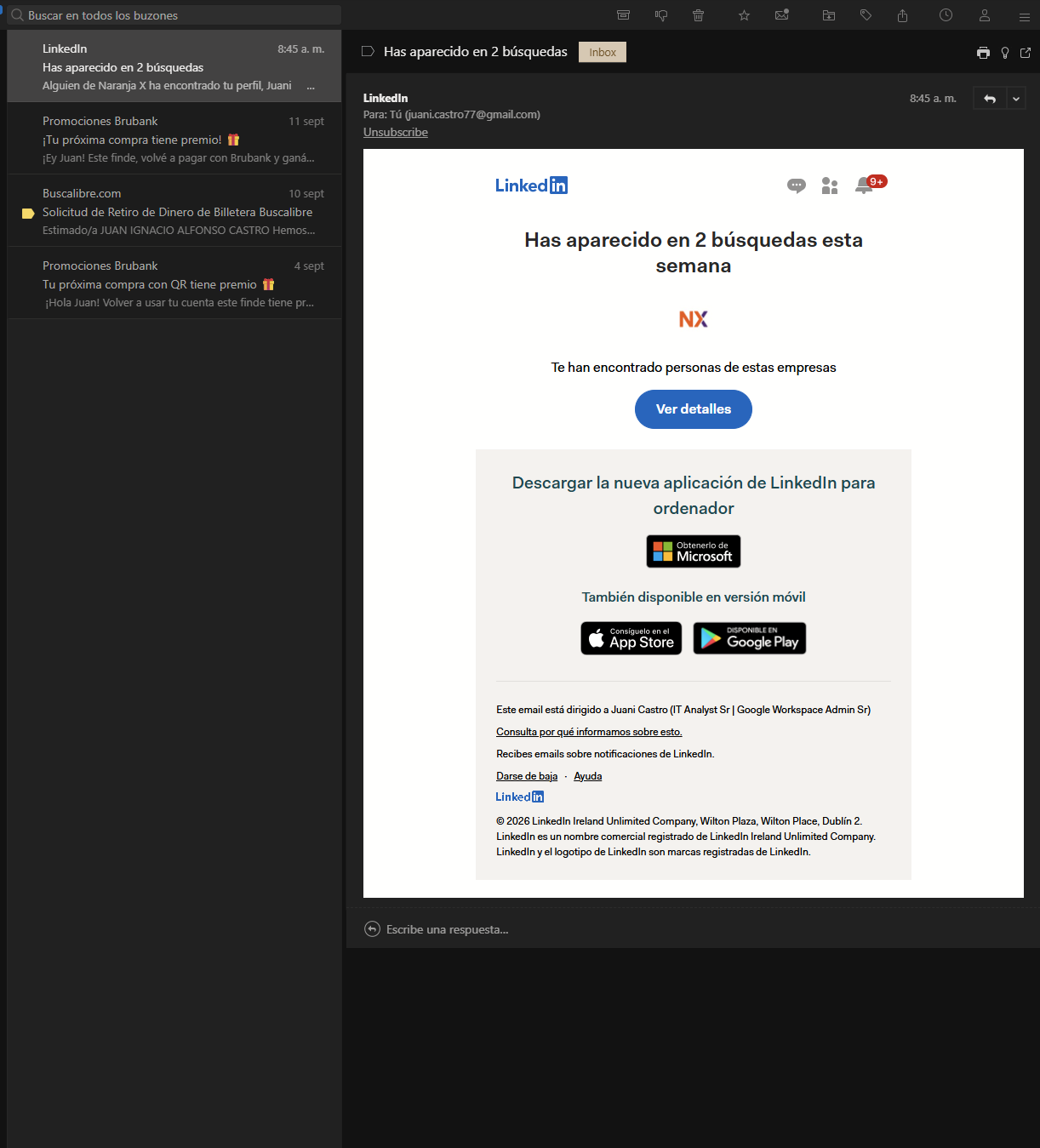
This is a deliberate change in 1.24: the theme now only styles Mailspring’s own interface, and the email body has its own switch. The old behavior (inverting every email’s colors to match a dark theme) mangled a lot of newsletters, so it was removed and messages now render in light mode by default — which is what you’re seeing.
To get dark email bodies back, go to Preferences > General > Reading > Email body appearance and choose Dark email mode. There’s also a small light-bulb icon next to the subject line in the message view that toggles the same setting, handy for flipping an individual newsletter back to light when it looks wrong. If you run a dark theme but want the reading pane light, leave it on Light email mode — that combination is now the default rather than something you need a special theme for.
More on themes and the email mode here: Change the theme — Mailspring Documentation
1 Like