Description
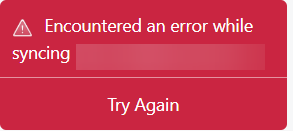
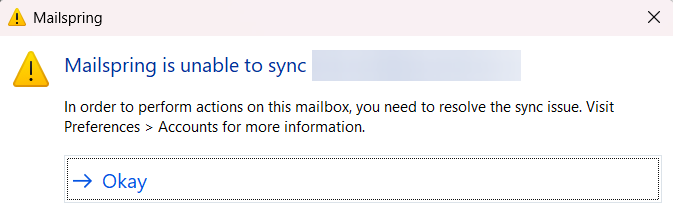
I am getting a red popup box in the bottom left corner saying “Encountered an error while syncing ”. Try Again does not work - although the messages list updates with the latest messages, I can’t interact with them, as I get a popup “Mailspring is unable to sync… In order to perform actions on this mailbox, you need to resolve the sync issue.”
Closing Mailspring and restarting it did not help.
The logs show me this puzzling message, suggesting there is some dependency on maybe a license server that is not resolving in DNS?
25676 [2025-10-27 10:26:40.962] [calContacts] [critical]
***
*** Mailspring Sync
*** An exception occurred during program execution:
*** {"debuginfo":"https://home.pegasusit.us/","key":"Couldn't resolve host name","retryable":true,"what":"Unknown exception"}
***
To Reproduce…
Steps to reproduce the behavior:
-
Open Mailspring
-
Click Try Again
Expected Behavior
Mailspring should sync(!)
Screenshots
Setup
- OS and Version: Windows 11 25H2
- Installation Method: EXE
- Mailspring Version: 1.16.0-5339a49f