onekrs
September 2, 2026, 3:35pm
1
Still synchronizing until restart app
When im waiting email i have info on down bar - checking mail, synchronizing or buffering but mail is not recieving. I have 4 different accounts on 4 different providers. HOw to force break that process ? and restart it?
gmail, private hostings lh, o2
OS and Version: Win10pro
Installation Method: standard
Mailspring Version: 1.23 …..811
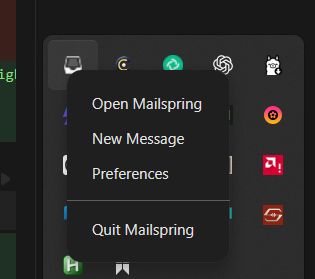
You can always use the task manager in Windows, to force stop it. Or right clicking on the tray icon for MailSpring and click quit
onekrs
September 5, 2026, 10:00pm
3
That in not the solution man.
Ok, I don’t think I’m understanding the request. Sorry about that.
I don’t think there is a way to force stop a mail sync job. You could always remove the account, and add it again.
system
October 7, 2026, 1:31pm
5
This topic was automatically closed 30 days after the last reply. New replies are no longer allowed.