Hiya all,
I just installed Mailspring and I quite like it!
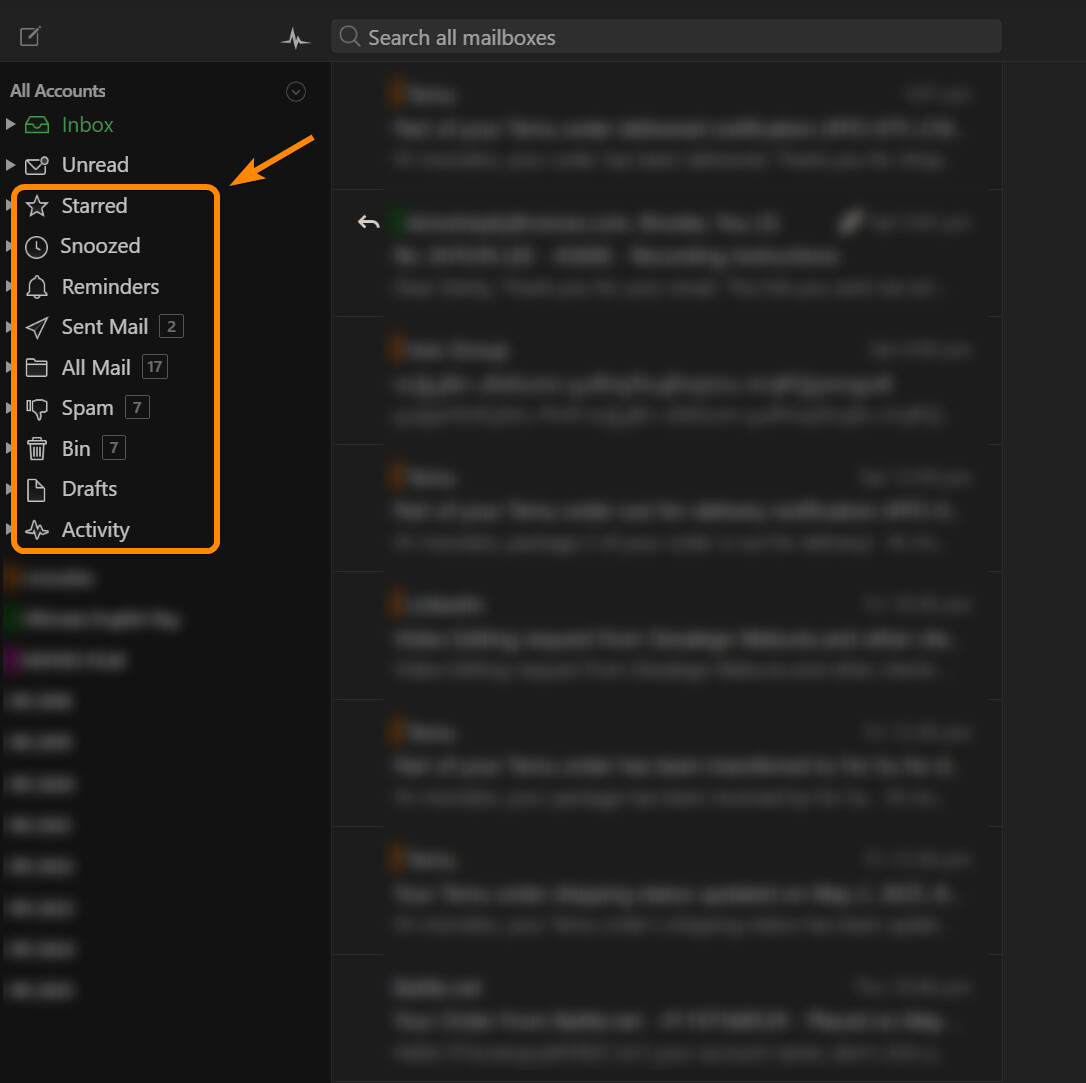
There are quite a lot of default categories on the left pane.
Is there any way to customize them?
I just want to hide or “remove” some of those categories.
Unfortunately there’s no option to hide or reorder those built-in sidebar sections (Starred, Snoozed, Reminders, etc.) — they’re hardcoded into the sidebar layout at the moment.
This comes up fairly often as a request and I understand the desire for a more customizable sidebar. It’s something I’d like to add in a future version. For now the best workaround is just to ignore those sections if you don’t use them.