I completely understand that this has been reported before, apparently more than once, but nothing seems to have changed. Is this really something that is simply going to be left as-is?
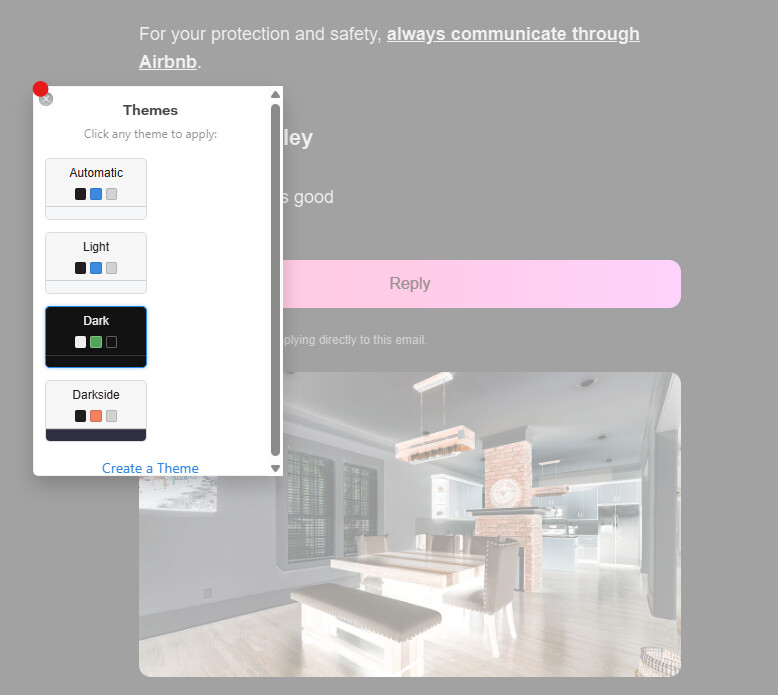
I genuinely don’t understand the reasoning behind inverting images inside emails when Dark Mode is enabled. I can’t think of another major application that behaves this way. Imagine if Windows or macOS inverted every image simply because the interface was using a dark theme. It would be incredibly distracting.
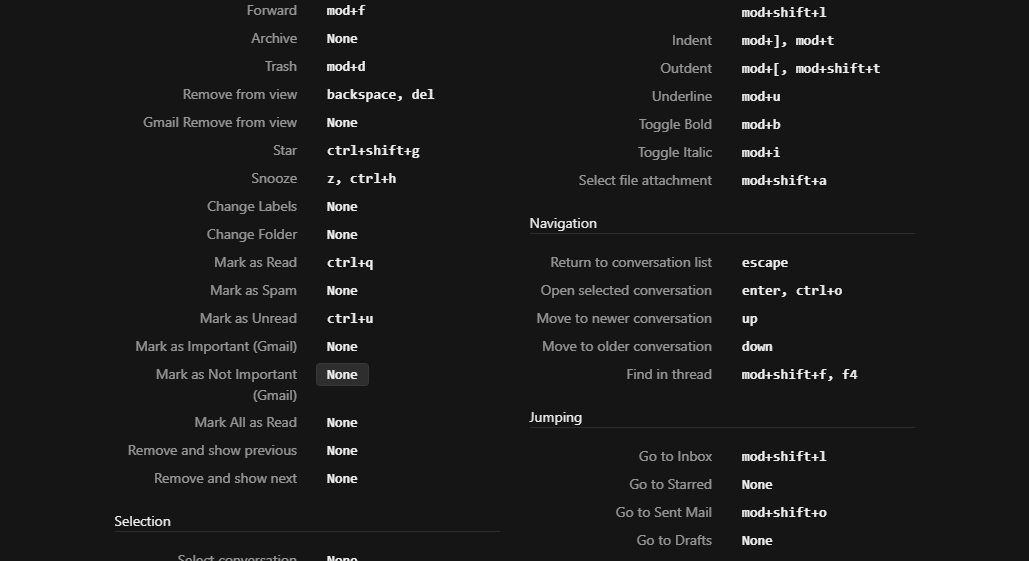
These may seem like small issues individually, but they have a surprisingly large impact on everyday usability. Another example is the inability to use Ctrl+Q to mark messages as read. Even attempting to remap the keyboard shortcut doesn’t work because the key mappings appear to be hard-coded. I understand that some of these choices may make sense on macOS, but Windows users make up a very significant portion of the user base and should not feel like an afterthought.
I really like the product and was genuinely happy to move away from the much heavier alternative I had been using. That is why issues like these are so frustrating. They seem relatively small and fixable, yet they significantly affect the experience every single day.
I sincerely hope these usability issues get another look. I would much rather stay with this product, but at some point the accumulated frustrations may reluctantly send me back to the bloated application I was so happy to leave.
Description
Happens with any and all accounts.
To Reproduce…
Steps to reproduce the behavior:
Expected Behavior
Show images in their normal positive light. Let me remap CTRL+Q to mark messages as read.
Screenshots
Setup
Windows 11 LTSC, Microsoft Windows [Version 10.0.26100.9168]
Install from download.
MailSpring: Version 1.23.0-5b371811
-
- Installation Method:
- Mailspring Version: