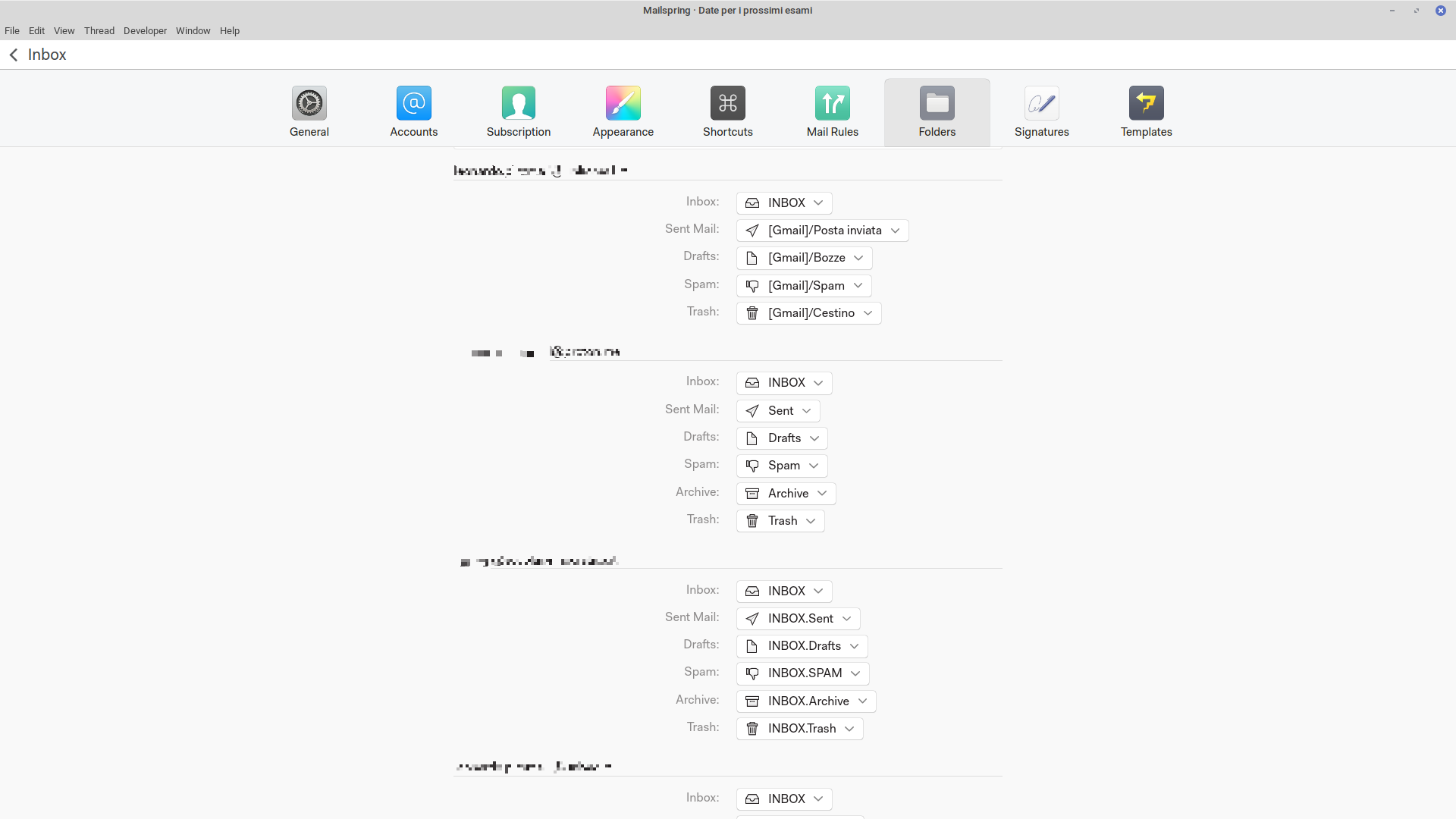
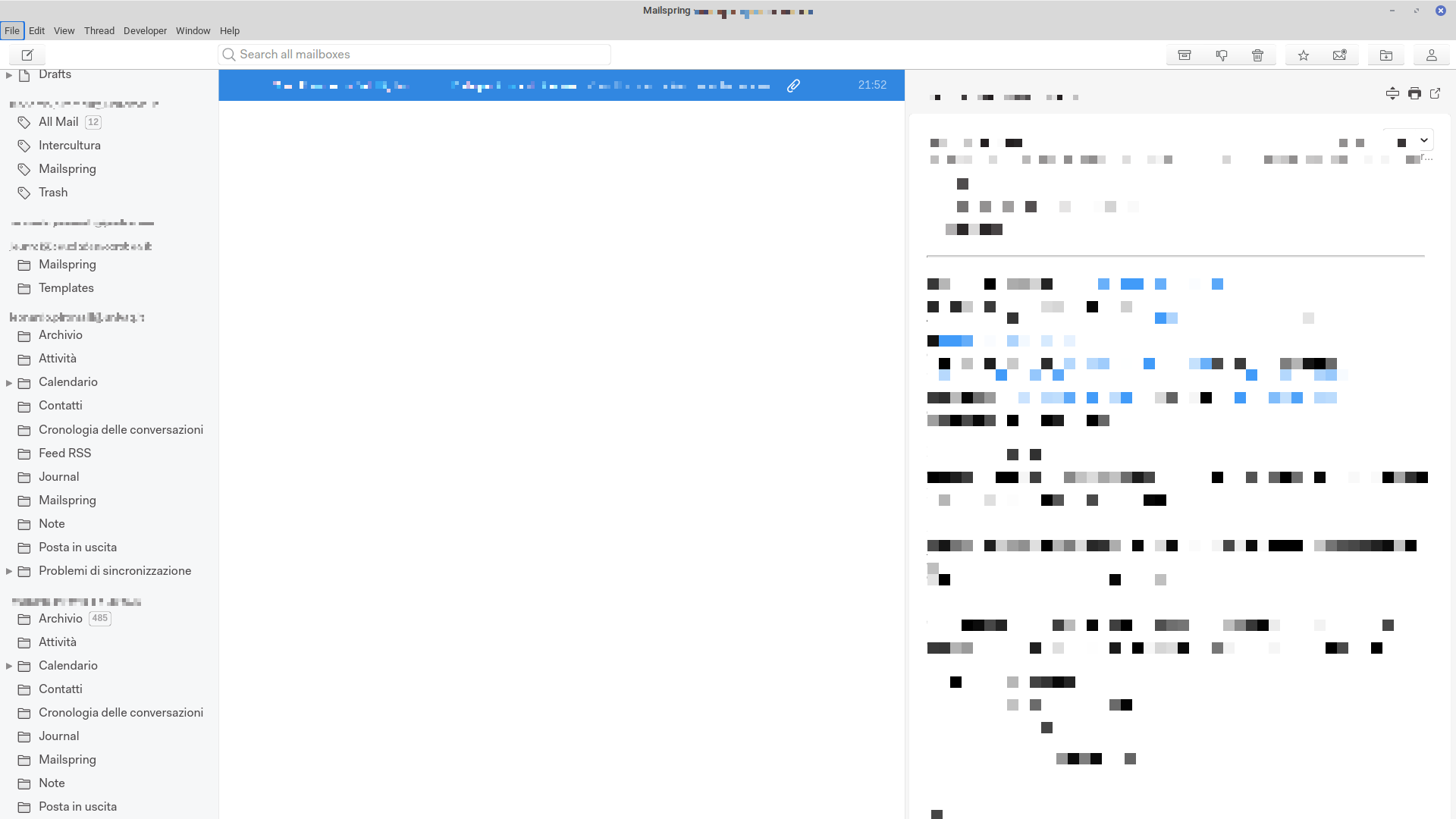
However, the folders are not correctly shown, or at all, in the accounts list in the main interface window. In fact, folders displayed do not match the ones that should be featured according to the settings:
I think what you’re seeing is the unified layout rather than a mismatch. With several accounts connected, the sidebar has an All Accounts block at the top with a single Inbox, Sent, Drafts, Spam, Trash, Archive and so on — each of those combines every account, and the tiny arrow beside an item expands it to show the per-account folders (so “Sent” > your five accounts’ Sent folders). The per-account sections further down deliberately list only that account’s other folders, which is why Sent, Drafts, Trash etc. seem to be missing from them: they’ve been folded into the unified items above.
If you’d rather see one account’s folders laid out flat, pick that account from the dropdown beside “All Accounts” at the top of the sidebar (or press Ctrl+2, Ctrl+3… — Ctrl+1 returns to All Accounts). More here: Setting up multiple accounts — Mailspring Documentation
If after expanding those items an account is missing from, say, the Sent group even though Preferences > Folders shows a Sent folder for it, restart Mailspring (we recommend that after any folder-role change) and let me know if it’s still off.