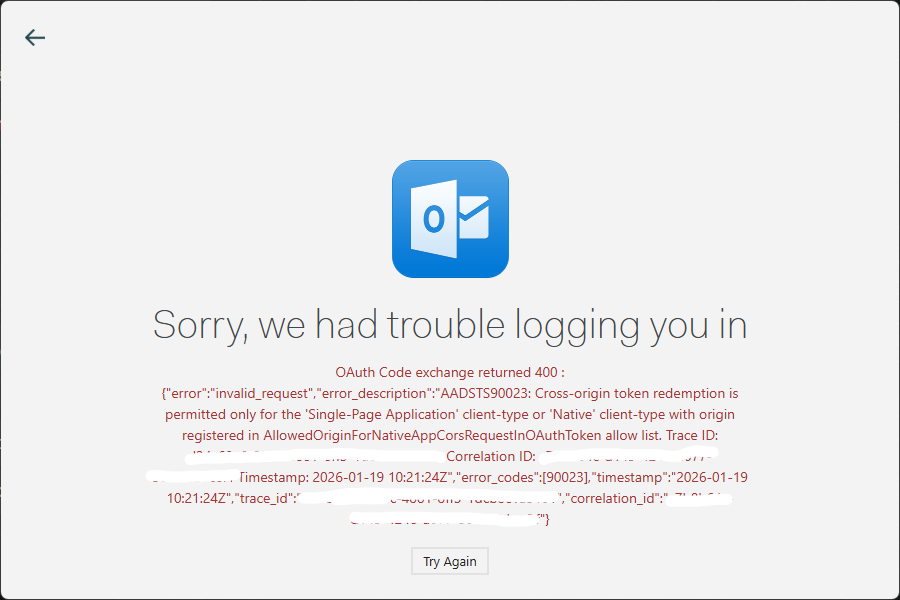
Since the 1.17.1 update, I am unable to authenticate and/or my Hotmail account on Windows. I have a popup that says “Cannot authenticate with myaccount@hotmail.co.uk. When attempting to reconnect, after successful in-browser authentication (tested all browsers incl. chromium & firefox), Mailspring displays the below connection issue (see Screenshots).
To Reproduce…
Steps to reproduce the behavior:
Attempt to add a new account / sync an existing Hotmail account on Mailspring, Under “Add Account…”.
Select “Outlook.com / Hotmail” from the list of available email services.
Authenticate your hotmail account in your preferred browser (doesn’t matter on the method of authentication with Microsoft or browser used).
See the OAuth Code exchange error.
Expected Behavior
Mailspring should capture the OAuth code, but Microsoft throw the error below:
OAuth Code exchange returned 400 : {"error":"invalid_request","error_description":"AADSTS90023: Cross-origin token redemption is permitted only for the 'Single-Page Application' client-type or 'Native' client-type with origin registered in AllowedOriginForNativeAppCorsRequestInOAuthToken allow list.
Hey @edned thank you for reporting this - I will see if i can reproduce this and we’ll get it fixed. I need to do some research and see if this is a policy change on the Office365 side. There have been a lot of recent improvements to Mailspring but they shouldn’t have impacted this authentication flow. I’ll keep you posted.
Hi, just chiming in to say that I’m also experiencing the same error. Thunderbird appears to be experiencing a similar issue, which might point to a new change on Microsoft’s side.
confirming, 400 fail
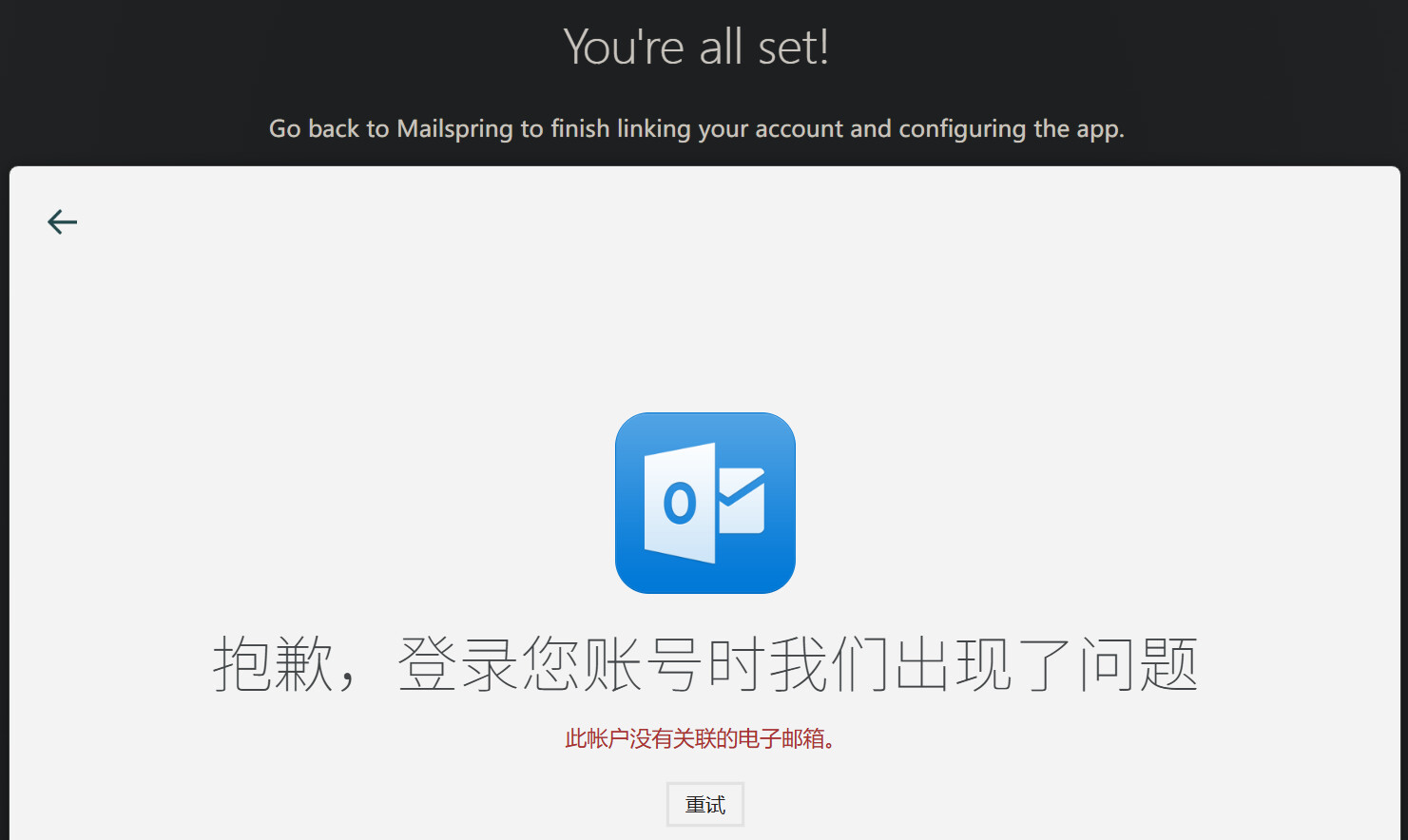
When trying to add account after deleting. Clicking on Hotmail/outlook.com goes to login, proceed with passkey, Github to authenticate. Github says , “You’re all set!
Go back to Mailspring to finish linking your account and configuring the app” Then finding above error as reported by @Edned
1.17.2 ? has sending mail “login not working”…
Outlook 400 problem? was it a Microsoft thing? I am on Vers. 1. 16.0-5339a49f and it is now working!?!? The 1.17.2 (?) recent ver. can receive mail but can’t send! from any account.
Authorization not working on 17.2 and hotmail account not showing in accounts list after rolling back to 1.16 though it is authorizing ok