Description
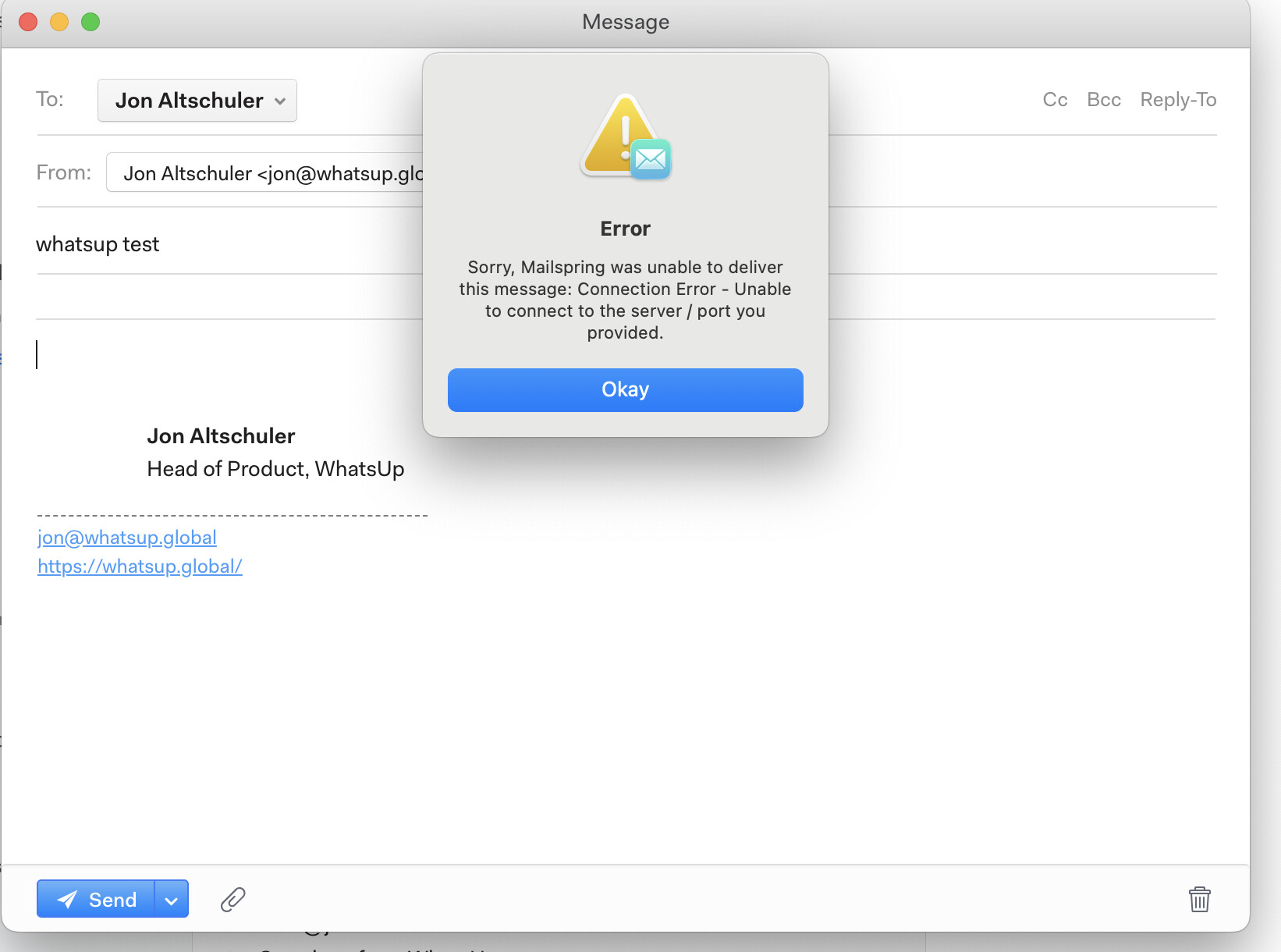
Until recently I’ve had no issues using the Mailspring client for MacOS (I have 3 different email accounts). However, recently, one of my accounts has been throwing errors when sending email. Receiving is fine.
I was able to resolve this issue by changing the IMAP settings from SSL to STARTTLS. Not sure why this resolved the issue, when this used to work just fine with the SSL setting before.
To Reproduce…
Steps to reproduce the behavior:
-
Go to the Account Connection Settings.
-
Set the IMAP settings to Incoming SSL Port 993/Outgoing SSL Port 465. We are using Namecheap for domain and PrivateEmail.com for the SMTP server.
-
Connect Account
-
Send email
Expected Behavior
Emails used to send just fine, but now I get an error saying that the email can’t connect to the port we provided.
Screenshots
Setup
- OS and Version: MacOS Sequoia 15.7.9 (Intel)
- Installation Method: Download from Mailspring.com
- Mailspring Version: Version 1.24.1 (1.24.1)