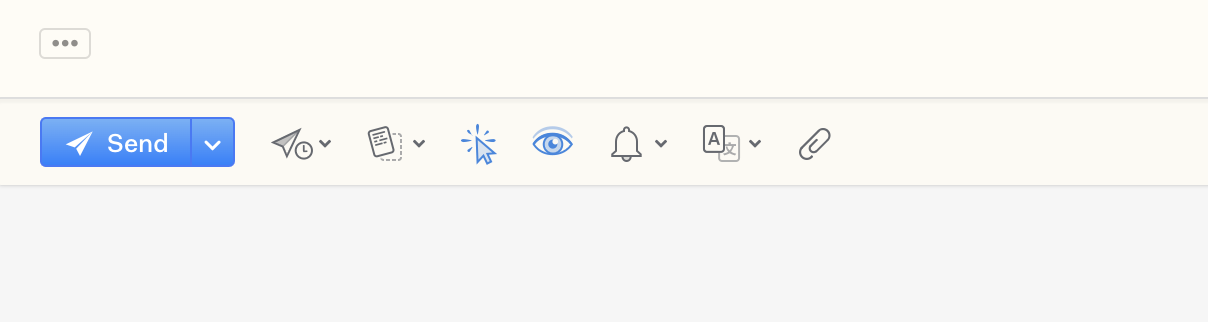
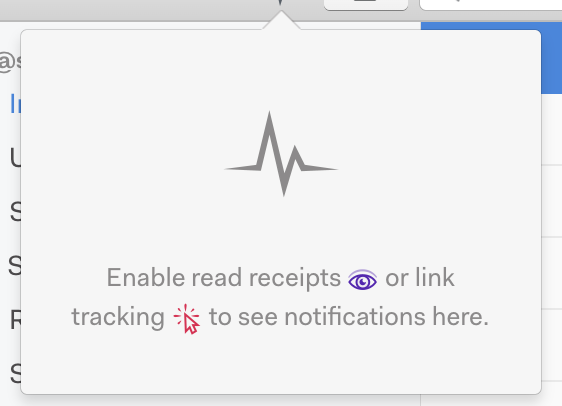
Mailspring fixed the certificate problem yesterday as I see…but today the Read receipts are not working…I sent myself a test email but after opening it no Read receipts occurred…Mailspring says I should “enable” these functions but as you see I have them enabled and I am on a Pro subscription plan.
A few things to know when read receipts seem dead, especially if you’re testing by emailing yourself:
Sending to yourself in the same account never registers an open. Mailspring deliberately strips its own tracking pixel when you view a message in the account that sent it, so that reading your own sent mail (or a reply that quotes it) doesn’t count as an “open.” To test, send to a different account and open it there - ideally in a different mail client, or in Mailspring with “Automatically load images in viewed messages” turned on in Preferences > General.
Read receipts are best-effort. They work by loading a 1x1 image, so any recipient who has remote images disabled, or whose provider strips tracking pixels, won’t produce an open. Link clicks are much more reliable. More here: Read receipts aren't working — Mailspring Documentation
Plain-text messages can’t be tracked - the pixel is only inserted into HTML mail.
Update if you’re on an old build. 1.18.0 reworked the pixel to get past more image blockers, so if you’re on anything older, update to the current 1.24.x release before you dig further.
If you’ve done all that and a tracked message opened in a different client still shows nothing, post your Mailspring version and the recipient’s mail client and I’ll take a look.