How do I remove an email account from Mailspring?
To remove email accounts from Mailspring, visit the app’s preferences from the main menu and go to the Accounts tab. Beneath the list of accounts there’s a small set of “+ / -” buttons. Select the account you’d like to remove and click “-” to remove it from Mailspring.
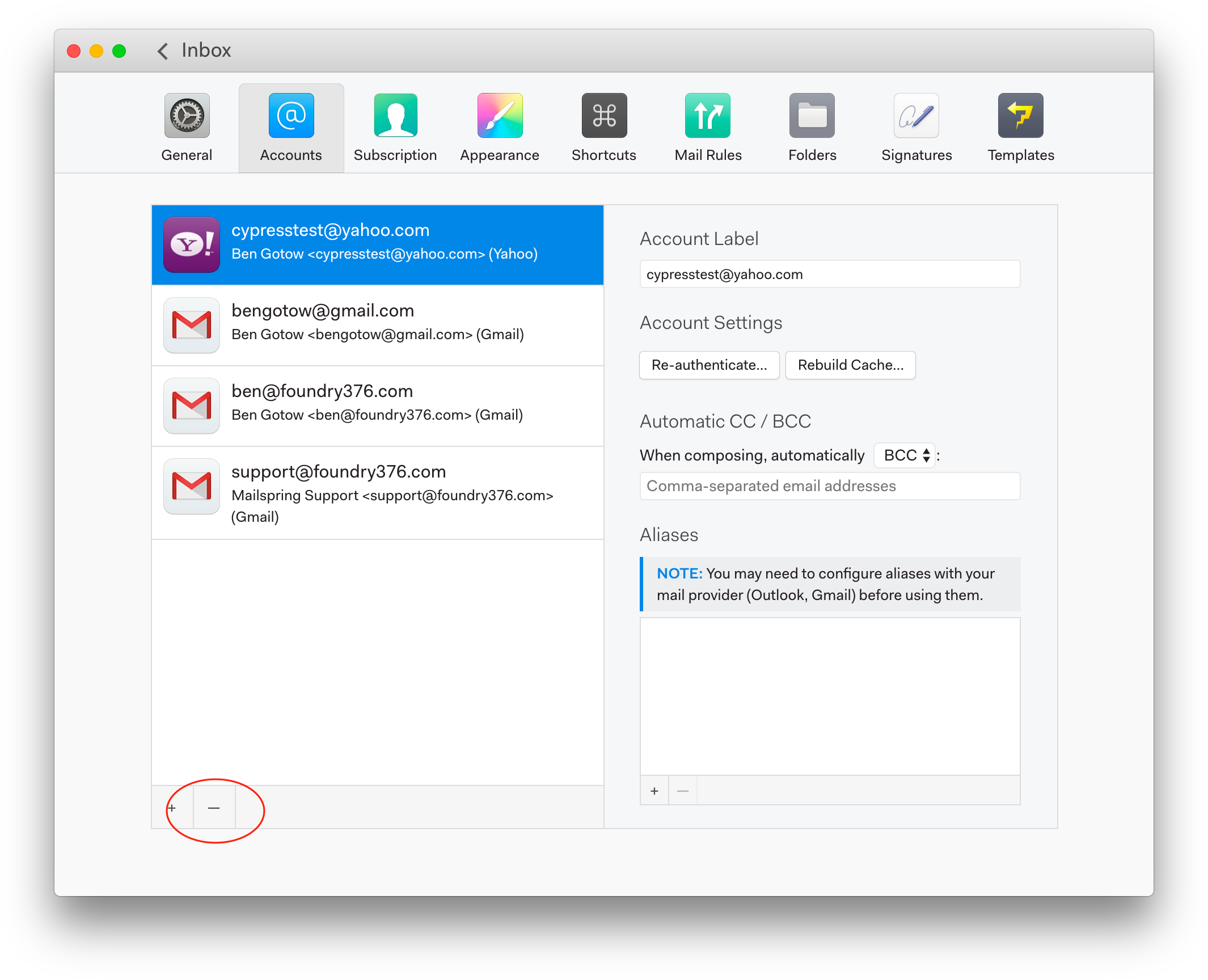
If account is not working like hotmail account the -/+ are not showing.
This really needs to be fixed by the developers, it’s a bug. If anyone is still having this problem, as I just did, you can fix it by editing the config file directly.
- Close Mailspring.
- Open the config file stored at ~/Library/ApplicationSupport/Mailspring/config.json in a text editor.
- Search for the email address in the accounts section and remove the block which contains the relevant email address, then save.
- Restart Mailspring