The installer, mailspring-1.17.0-0.1.x86_64.rpm, requires the outdated libtidy.so.5. This is an extinct lib on all Linux distros, see https://pkgs.org/search/?q=libtidy.so.5
For example, on openSUSE Tumbleweed, now it’s libtidy.so.58, of which is installed on my system, but doesn’t recognize by the installer.
To Reproduce…
Steps to reproduce the behavior:
Download the installer (v1.17) from either the official website or the official GitHub repo.
Try installing it.
See nothing provides 'libtidy.so.5()(64bit)' error.
Expected Behavior
The installer should not require this outdated lib.
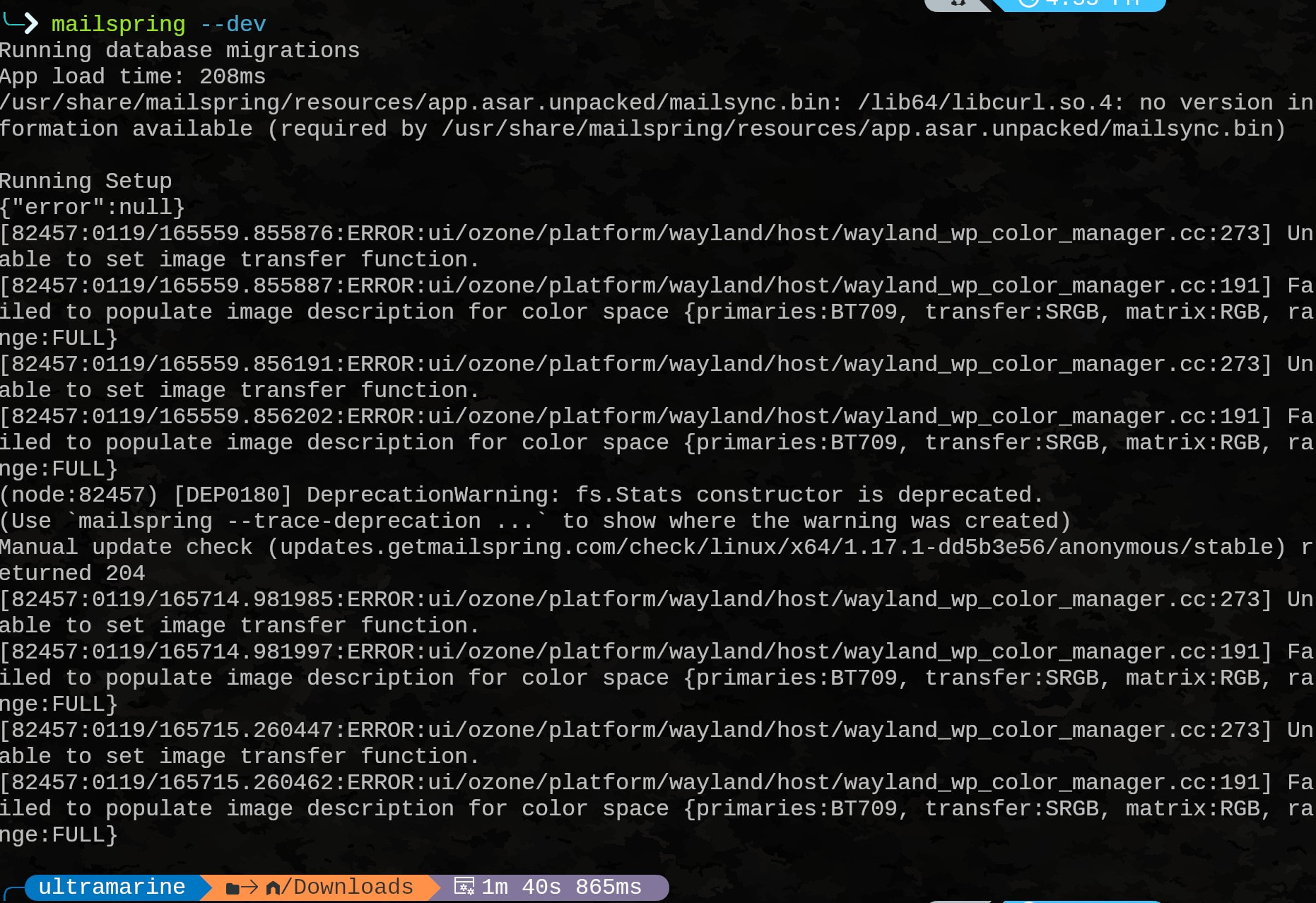
I have been using v1.16 for a while without any issue. I tried proceeding with the installation of v1.17 with the broken dep. I can start the app, but there’s no connection at all. I am not sure if it’s related to libtidy.so.5.
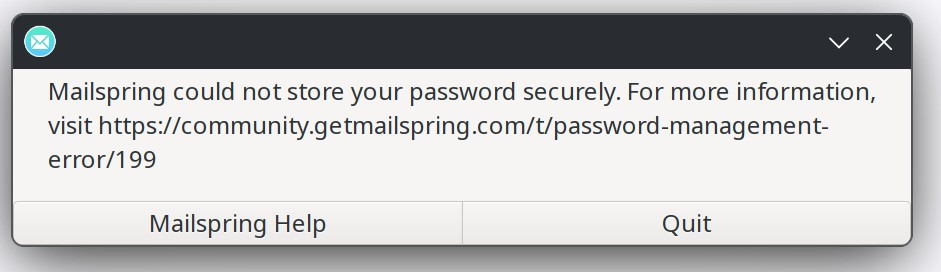
Any resolution to this library issue on Fedora 43? I tried switching from the rpm version to the Flatpak version however the Flatpak version will not let me log in (screenshot below)
I have downgraded to v1.16 for now, as I also got no connection (can’t fetch new emails or adding new account) at all with v1.17. I am not sure whether it’s related to this issue.
But there’s a solution with this issue, though. You’ll have to rebuild the installer and changing its deps, see:
Please disregard my request I found v1.16 it here and it is working fine.
Sorry to SPAM this group and for any dumb questions below but could someone reply when the new version of Mailspring works on Fedora 43. I just purchased this product a month ago before this upgrade so I would like to have the latest version working. Also is there a ticket process her? Should I be doing something else instead of posting to the community?
Also I really appreciate your patience - in the January release of Mailspring we switched from bundling static copies of all of Mailspring’s linux dependencies to using the system versions. It’s an important change that’ll help us stay on top of security patches and updates (the previous release used a bundled version of curl from 2016), but is pretty tricky to build and ship in a way that runs across all major linux distros. We’ll keep you posted!
Hit this issue on CachyOS also, was able to get past it by installing tidy (pacman -S tidy).
It then failed to launch the GUI - its not playing nicely with Wayland!
Was able to get it to launch by forcing x11, from the shortcut (/usr/share/applications/Mailspring.desktop): Exec=/usr/bin/mailspring --enable-features=UseOzonePlatform --ozone-platform=x11 %U
For anyone still running into dependency issues on newer distros – Mailspring 1.17.4 includes updated RPM packaging dependencies for Fedora 43 and openSUSE compatibility (#2590). If you’ve been stuck on an older version due to this, 1.17.4 should install cleanly.