Description
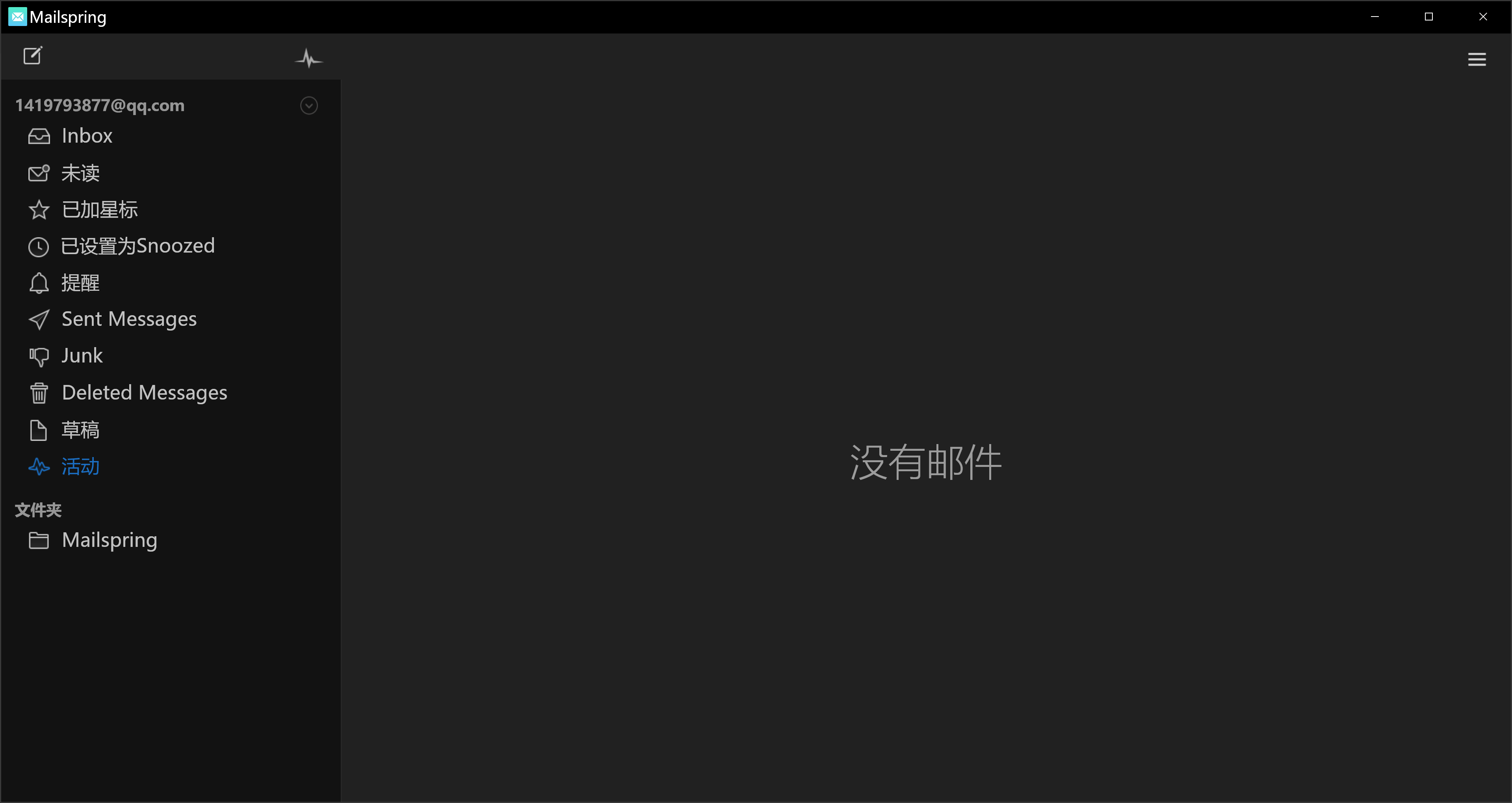
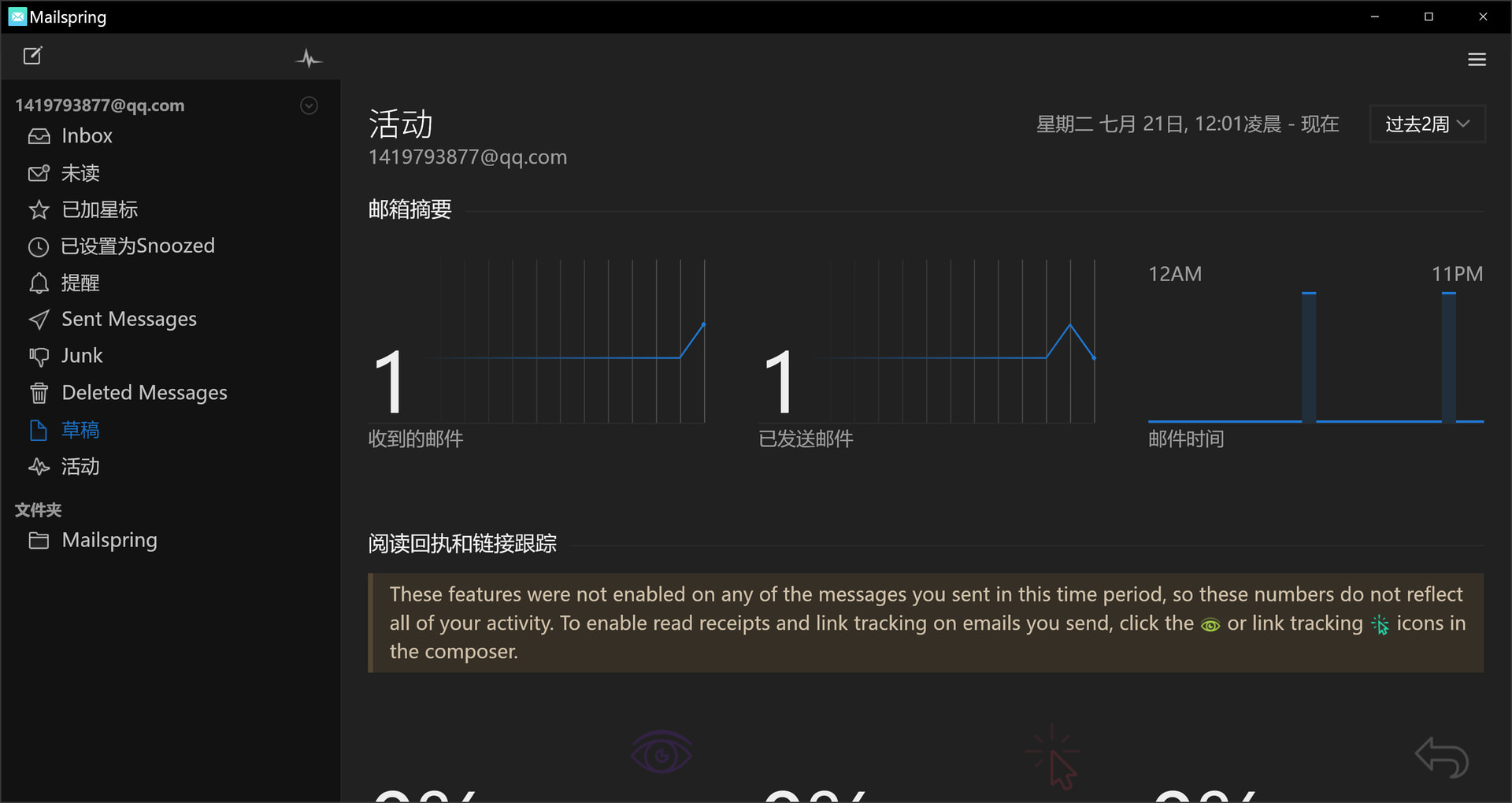
When I switch “Drafts”(草稿) to “Activity”(活动) in sidebar, the page doesn’t change. The same thing happens when switch “Activity” to “Drafts” too. Other tabs work well.
To Reproduce…
Steps to reproduce the behavior:
-
Click “Drafts”(草稿) in sidebar
-
Click “Activity”(活动) in sidebar
p.s. The ordering is not important.
Expected Behavior
The page changes.
Screenshots
Setup
- OS and Version: Windows10 22H2 x64
- Installation Method: Scoop
- Mailspring Version: 1.23.0-5b371811
Additional Context
I’m a Chinese speaker actually, so I’m not very good at English. If I write something confusing, please contact me.