There aren’t any buttons here—I can’t even change the language. I’m just stuck. The walkthroughs show that there should be a button…
What are the odds of such a silly problem? I’ve reinstalled it, but it didn’t help.
Any ideas?
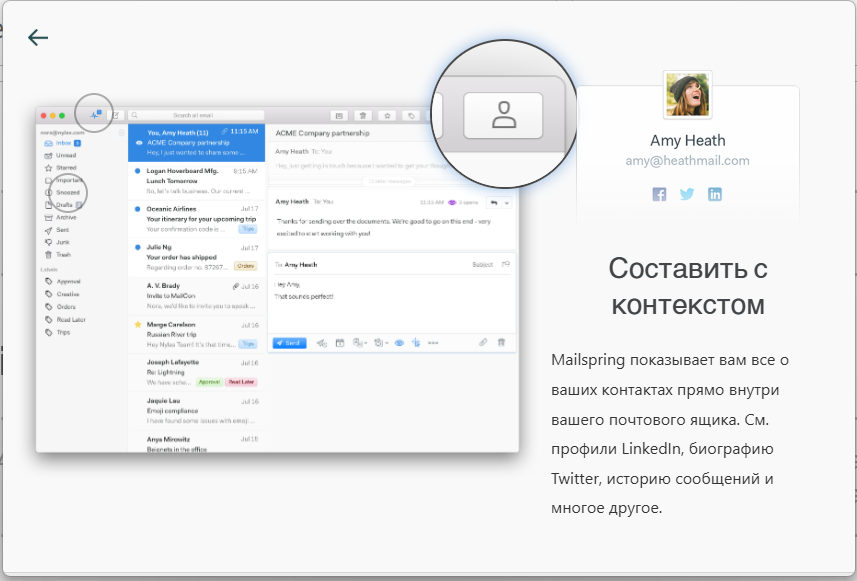
This looks like the same underlying bug as this report — the account setup window is a fixed, non-resizable 900×600, and on some pages the content is actually taller than that window, so the Continue button can get pushed off the bottom with no way to scroll to it. As a workaround, try setting Windows display scaling down to 100% (Settings > System > Display > Scale) before running setup, then switch back afterward.
Marking this resolved as a duplicate so the discussion stays in one place — I’ve flagged the underlying issue for a real fix and I’ll fix it in the next release.