Description
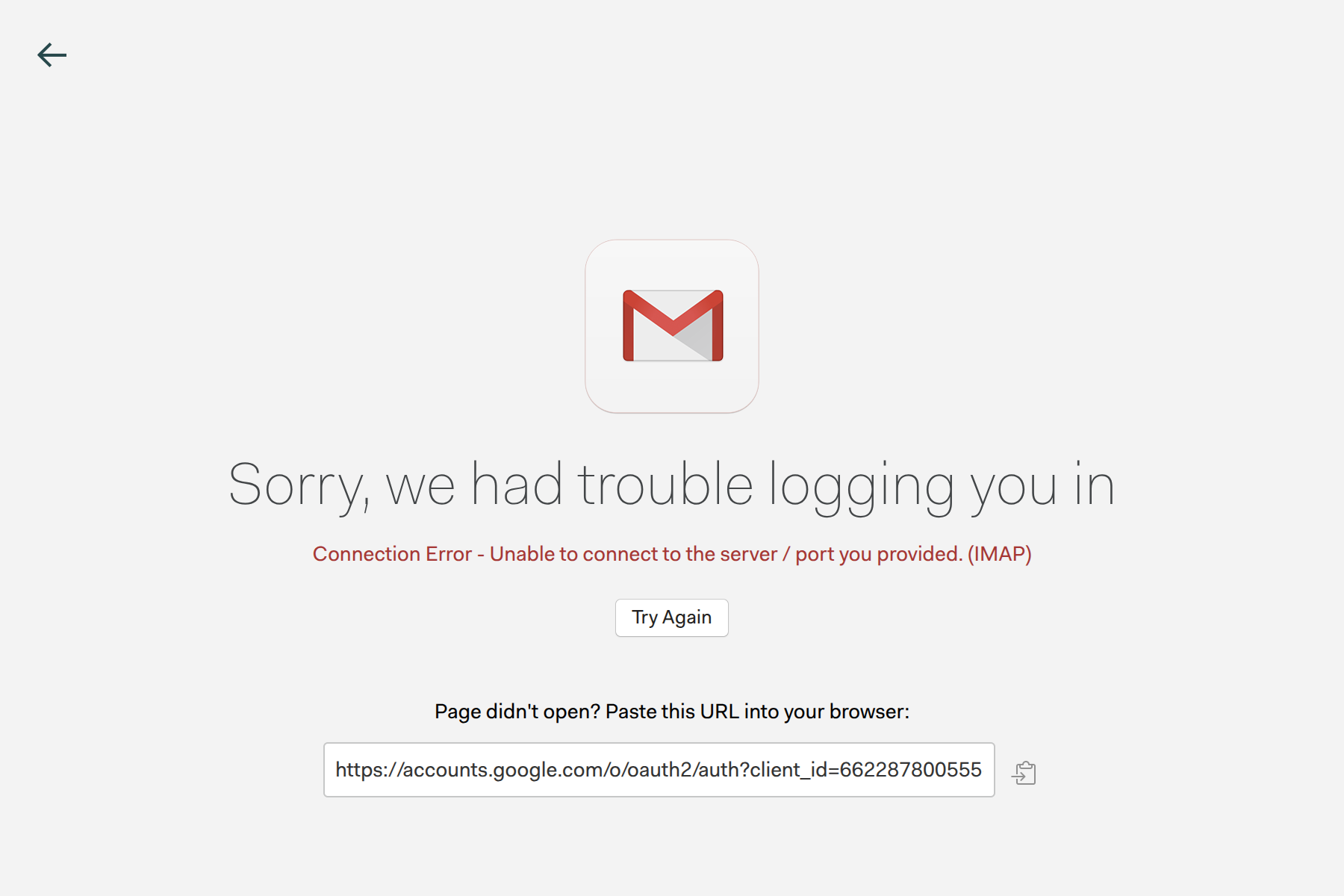
Unable to connect to gmail account. Authenticating account returns error
To Reproduce…
Steps to reproduce the behavior:
-
Go to preferences → accounts
-
Select ‘re-authenticate’ or add new gmail account
-
Go through connection steps, accepting app permissions
-
Connection Error - Unable to connect to the server / port you provided. (IMAP)
Expected Behavior
Account to connect and begin loading emails in the client
Screenshots
Setup
- OS and Version: ubuntu 24.04.2
- Installation Method: App Center / Snap
- Mailspring Version: 1.16.0-5339a49f
Additional Context
I was unable to connect to gmail. Rebuild cache didn’t work. Re-authenticating created this error. Deleting the account and readding, returns the same error