Description
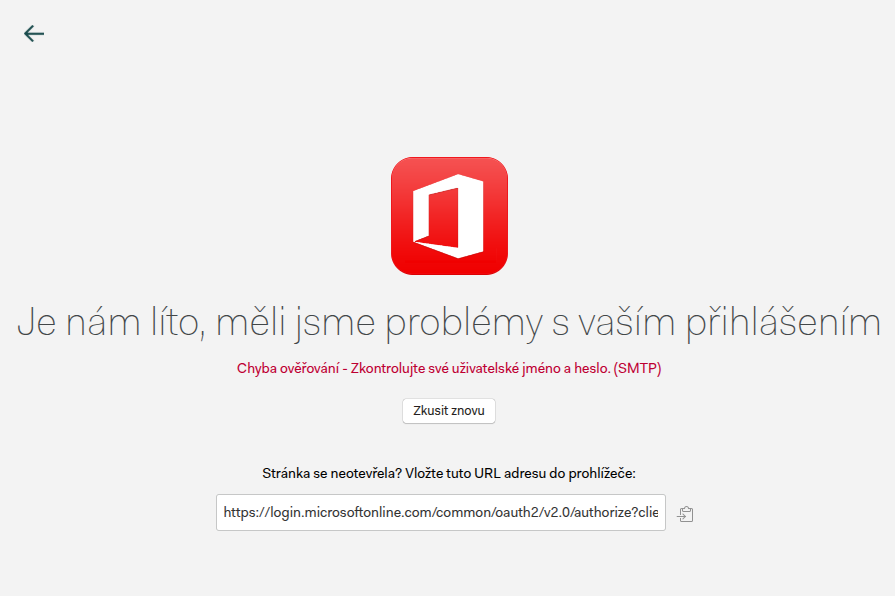
I tried to connect Mailspring to my institutional Office365 e-mail. However, I ran into issue with authentication, getting the Authentication Error - Check your username and password (SMTP).
At first, I thought it is related to this issue: Institutional Office365 not working - #82 by andreshg112 as the error was exactly the same. However, in my case, the difference was that my employer allows the SMTP / IMAP connection.
With the help of our technical support, I discovered that the issue was elsewhere:
Mailspring cannot connect to Office365 accounts where the username differs from the e-mail.
I was using an e-mail {name.surname}@{faculty.domain}, but my username was {username}@{university.domain}.
After I switched my e-mail also to {username}@{university.domain} (which I was able to, even though I honestly don’t like my username very much :)), the issue was solved and Mailspring connected to my account without any issue.
I believe this is a bug (or rather a missing feature) and fixing it would also help other people.
To Reproduce…
Steps to reproduce the behavior:
- Get an Office365 e-mail with username “A” and e-mail “B”.
- Go to Mailspring and try to connect to the account using Office365.
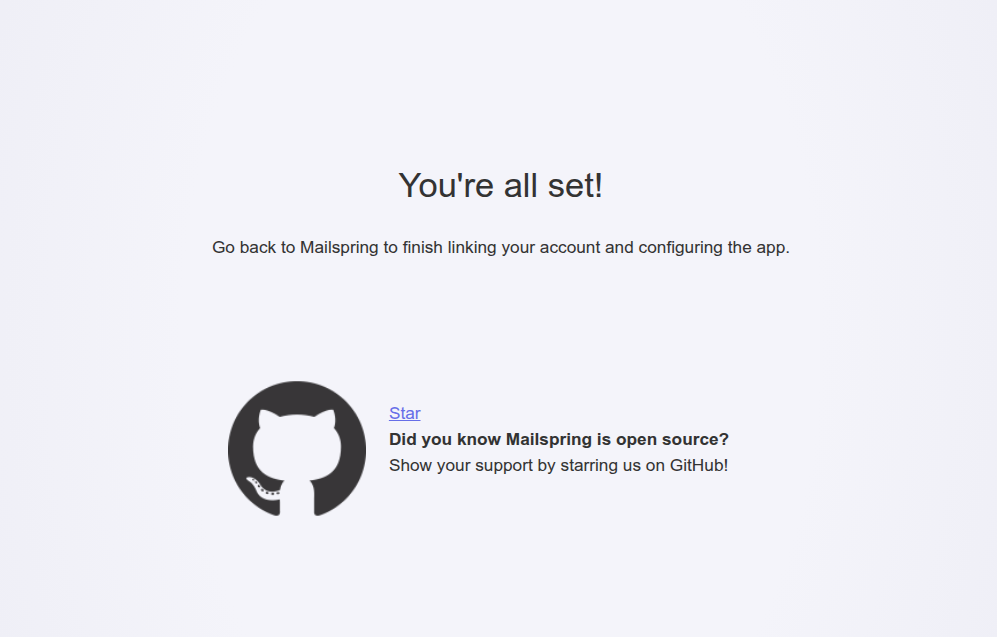
- After you log in the browser, you will get the screen “You’re all set”, but Mailspring with complain about IMAP authentication error.
- Change your e-mail to “A”.
- Go to Mailspring and try to connect to the account using Office365.
- Mailspring connects to that account and everything works like a charm.
Expected Behavior
- Get an Office365 e-mail with username “A” and e-mail “B”.
- Go to Mailspring and try to connect to the account using Office365.
- Mailspring connects to that account and everything works like a charm.
Screenshots
Sorry for the Czech language on the first screenshot - the error is the same as in here: Institutional Office365 not working - #68 by sterlingralph
Setup
- OS and Version: Linux Mint 22.2
- Installation Method: 64-bit deb
- Mailspring Version: 1.16.0
Thank you for developing this great app! 