The tray icon of Mailspring is not showing properly after the update to 1.13. Instead of displaying a mail icon with different colors depending on the unread message status, it is currently displaying 3 dots (image below).
Thanks for the reply. The icon now seems to be properly display again, and I am unsure why the behavior reversed. The Gnome extensions are being somewhat funny lately, so it could be an issue with GitHub - ubuntu/gnome-shell-extension-appindicator: Adds KStatusNotifierItem support to the Shell or Gnome itself. Feel free to close this for the moment, and I will reopen if I identify the underlying issue. Thanks for the awesome app and the support.
I’m on 1.16.0. This issue is happening to me on GNOME 48. Triggering the tray on/off in Mailspring’s settings makes the icon appears again. But after reboot, the issue reappears.
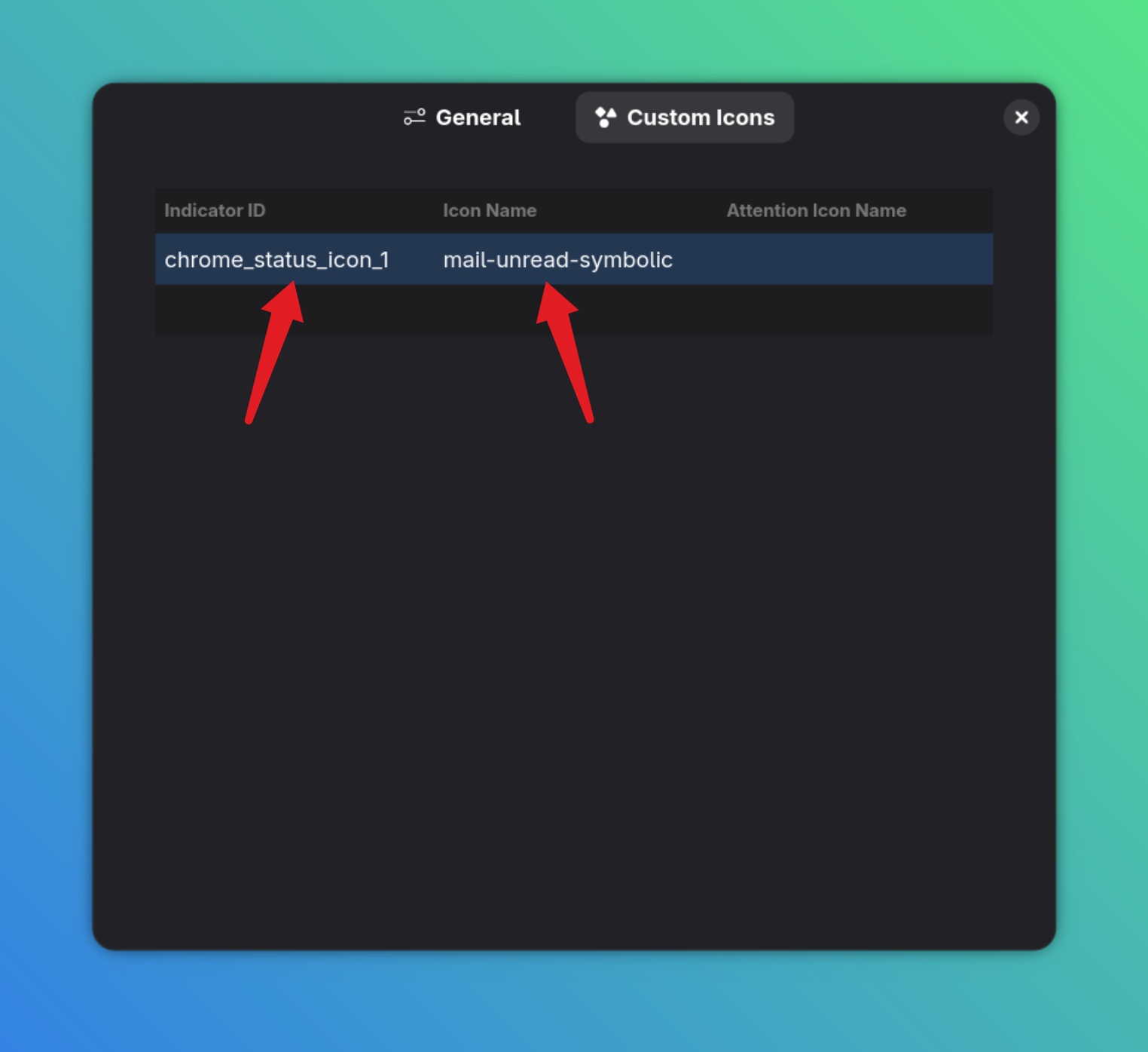
The Indicator ID for Mailspring is chrome_status_icon_1. The Icon I use is from the system’s mail icon, as shown. This one will also change based on your system theme (if you enabled GNOME’s Light Style from the extension).